Deconstructing AI-Augmented Phishing Obfuscation
· by Spicy Stromboli · link-analysis, ai-threats, obfuscation, cybersecurity, phishpond
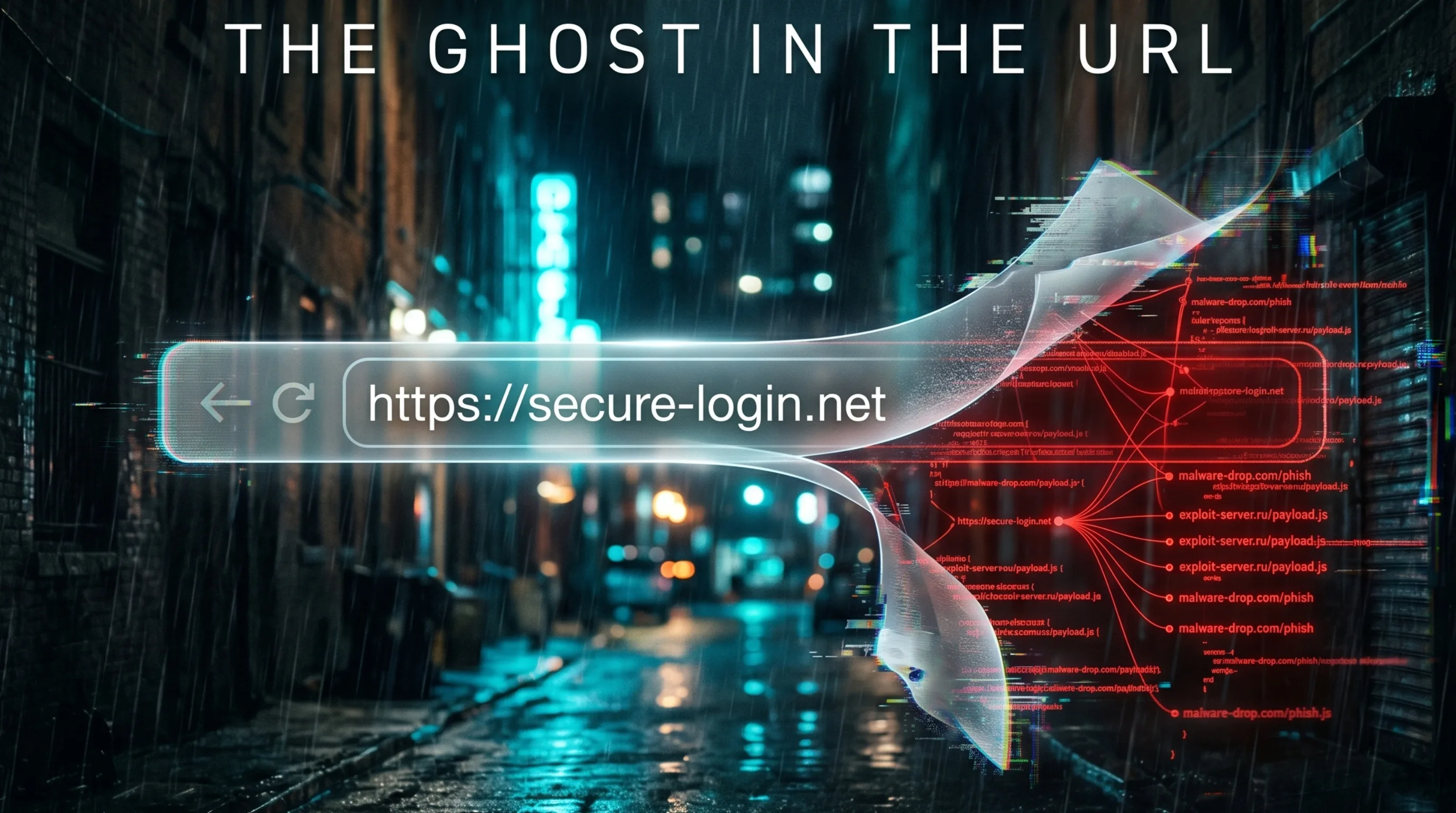
AI-augmented obfuscation networks hide phishing links by using dynamic behavioral fingerprinting and polymorphic decoy generation. These systems detect automated security scanners and serve them benign content while delivering malicious payloads only to specific, verified human targets. This asymmetric approach bypasses traditional gateways by ensuring the URL appears harmless during initial inspection.
The hum of the server room is the only company you have at 3:00 AM when the alert finally hits your console. It is a single click from a high-value target in the finance department. On paper, the organization is a fortress. You have a multi-million dollar Secure Email Gateway (SEG) that promises to “detonate” every link in a sandbox before it reaches an inbox. Yet, the link that just compromised an executive session was scanned three times by the gateway and marked as “clean.”
The gateway saw a benign corporate login page with valid TLS certificates and zero malicious indicators. The executive, however, saw something entirely different. This is the reality of the ghost in the URL. We are no longer fighting static redirects or simple Base64 encoding. We are facing AI-augmented obfuscation networks that possess more situational awareness than the security tools designed to stop them.
How AI Phishing Obfuscation Blinds Secure Email Gateways
Traditional security relies on a simple premise: if a link is bad, it will show bad behavior. Secure Email Gateways work by following a URL to its destination and checking for known signatures, blacklisted IPs, or suspicious forms. This worked in the era of “dumb” links.
AI-augmented networks have flipped this script. They use a technique known as Asymmetric Delivery. The network is designed to be a chameleon, changing its nature based on who is asking for the content. When the SEG sandbox visits the link, the AI-driven backend identifies the request as coming from a headless browser or a known security data center. It immediately serves a “polymorphic decoy.” This is a perfectly functional, completely benign website: perhaps a weather report or a generic corporate blog. The scanner checks the boxes, gives it a thumbs up, and lets the email through.
The moment a human on a residential IP or a corporate mobile device clicks that same link, the “ghost” awakens. The backend recognizes the browser fingerprint as a legitimate human user and serves the real payload: a high-fidelity credential harvesting page that disappears as soon as the session is over.
Polymorphic Decoys: How AI Generates Dynamic Phishing Pages
In legacy phishing, an attacker might host ten different sites and hope one stays up long enough to catch a victim. In an AI-augmented network, the attacker hosts one infrastructure that generates ten thousand variations of the “truth.”
These polymorphic decoys are not just static images. AI models generate the HTML, CSS, and content on the fly. This ensures that no two security scanners see the same “clean” version of the site. By varying the code structure, the AI prevents security vendors from creating a “fingerprint” of the decoy itself. The decoy is a ghost: it exists for one scan, fulfills its purpose of fooling the bot, and then dissolves.
URI Scrambling and High-Entropy URL Tokenization
The URL string itself has become a battlefield. Gone are the days of bit.ly/malware-here. Modern attackers utilize URI Scrambling, a process that packs the URL with high-entropy tokens and dynamic masking.
These URLs often contain embedded identifiers that are cryptographically tied to the recipient’s email address and their specific device. This serves two purposes. First, it ensures the link only works once, preventing security teams from “replaying” the click for investigation. Second, it allows the attacker to track exactly which “ghost” was used to compromise which target.
The scrambling often utilizes multiple layers of legitimate cloud services. A link might start at a reputable marketing redirector, bounce through a legitimate cloud storage “not found” page, and finally land on the malicious infrastructure. By the time the security tool follows the fourth or fifth redirect, it often times out or loses the trail, while the human browser handles the transitions seamlessly. Understanding how to walk these redirect chains manually is essential; our guide to reading a redirect chain covers exactly what to look for at each hop.
Legacy Obfuscation vs. AI-Augmented Phishing: Feature Comparison
Understanding the gap between old-world tactics and new-world shadows is critical for any SOC analyst.
| Feature | Legacy Obfuscation | AI-Augmented Obfuscation |
|---|---|---|
| Primary Method | Static redirects / Base64 | Behavioral fingerprinting |
| Decoy Strategy | Single “Under Construction” page | Dynamic, polymorphic landing pages |
| Scanner Defense | IP blacklisting (Reactive) | Machine Learning bot detection (Proactive) |
| URL Structure | Predictable patterns | High-entropy, tokenized, and unique |
| Duration | Lasts until domain is flagged | Ephemeral: disappears after human interaction |
| Primary Goal | Evading basic filters | Defeating deep sandbox analysis |
How to Detect and Counter AI-Augmented Phishing Links
When the automated systems fail, the burden of proof shifts back to the practitioner. You cannot trust the “Clean” label on your email gateway when dealing with high-value targets or suspicious sender patterns.
1. Implement the “Verify Before You Click” Protocol
Automated scanners are easily tricked by the “benign facade” because they lack the context of intent. As a manual investigator, you need tools that can look through the layers without triggering the “self-destruct” mechanism of the link.
Your primary weapon in this fight is manual link analysis. Before interacting with a suspicious URI in a live environment, utilize the Link Analyzer at phishpond.io. Our tools are designed to simulate various browser fingerprints and geolocations, allowing you to see if the link is serving different content to different “personalities.” This is the only way to reveal the malicious payload hiding behind a polymorphic decoy. If you are new to manual link verification, our guide to checking if a link is a scam walks through the fundamentals before you engage with this level of infrastructure.
2. Monitor for “Impossible Redirects”
Watch your proxy logs for URLs that involve more than three redirects across different top-level domains. While legitimate marketing trackers use redirects, AI-augmented networks use them to exhaust the “depth” limits of automated scanners. Any link that bounces between AWS, Azure, and a random .top domain in under two seconds is a high-probability ghost.
3. Enforce Browser-Based Isolation
For high-risk users, move beyond simple filtering. Use browser isolation technology that executes the code in a disposable container. Even if the AI-augmented link delivers a malicious payload, it never touches the user’s actual machine. The “ghost” is trapped in a bottle and then shattered.
4. Use PhishPond Scout for Proactive Threat Hunting
Use the Scout tool on phishpond.io to perform “quiet” reconnaissance on suspected campaign infrastructure. By analyzing the infrastructure’s response to different headers, you can map out the obfuscation network before it targets your users.
Phishing Obfuscation Technical Glossary
- Polymorphic URL: A URL that changes its code structure or destination content dynamically to avoid detection by signature-based security tools.
- Browser Fingerprinting: The collection of technical data points: such as screen resolution, installed fonts, and browser version: to uniquely identify a user or a bot.
- URI Scrambling: The use of complex, non-repeating character strings and tokens within a URL to mask the final destination and track specific targets.
- Cloaking: A technique where the content presented to a search engine or security scanner is different from the content presented to a regular user.
- High-Entropy Token: A string of characters with a high degree of randomness, making it impossible for automated systems to guess or predict the next URL in a series.
The Gritty Reality of AI-Augmented Phishing Warfare
We are entering an era where the attackers have more “intelligence” than the defenders. Your multi-million dollar security stack is essentially a blind giant: powerful, but easily led astray by the digital shadows of AI. The ghost in the URL isn’t just a technical trick: it is a fundamental shift in the economics of phishing.
The only way to win is to stop relying solely on the “automatic” and start mastering the “manual.” When you encounter a link that feels “off,” don’t trust the gateway’s green checkmark. Take it to phishpond.io, strip away the obfuscation, and see the ghost for what it truly is: a line of code waiting for a victim.
Sources and Further Reading
- CISA: https://www.cisa.gov/news-events/cybersecurity-advisories
- FBI IC3: https://www.ic3.gov
- Microsoft Threat Intelligence: https://www.microsoft.com/en-us/security/blog/topic/threat-intelligence/
- MITRE ATT&CK Framework: https://attack.mitre.org/techniques/t1204/001/
- Google Threat Analysis Group: https://blog.google/threat-analysis-group/
- OWASP Phishing Reference: https://owasp.org/www-community/attacks/phishing